Is Public Wi-Fi Safe? 5 Tips to Protect Your Privacy on the Go
Every time you connect to a free Wi-Fi at a café, airport, or hotel, you are essentially leaving your digital front door unlocked. In 2026, hackers use sophisticated "sniffing" tools to capture everything you do online.
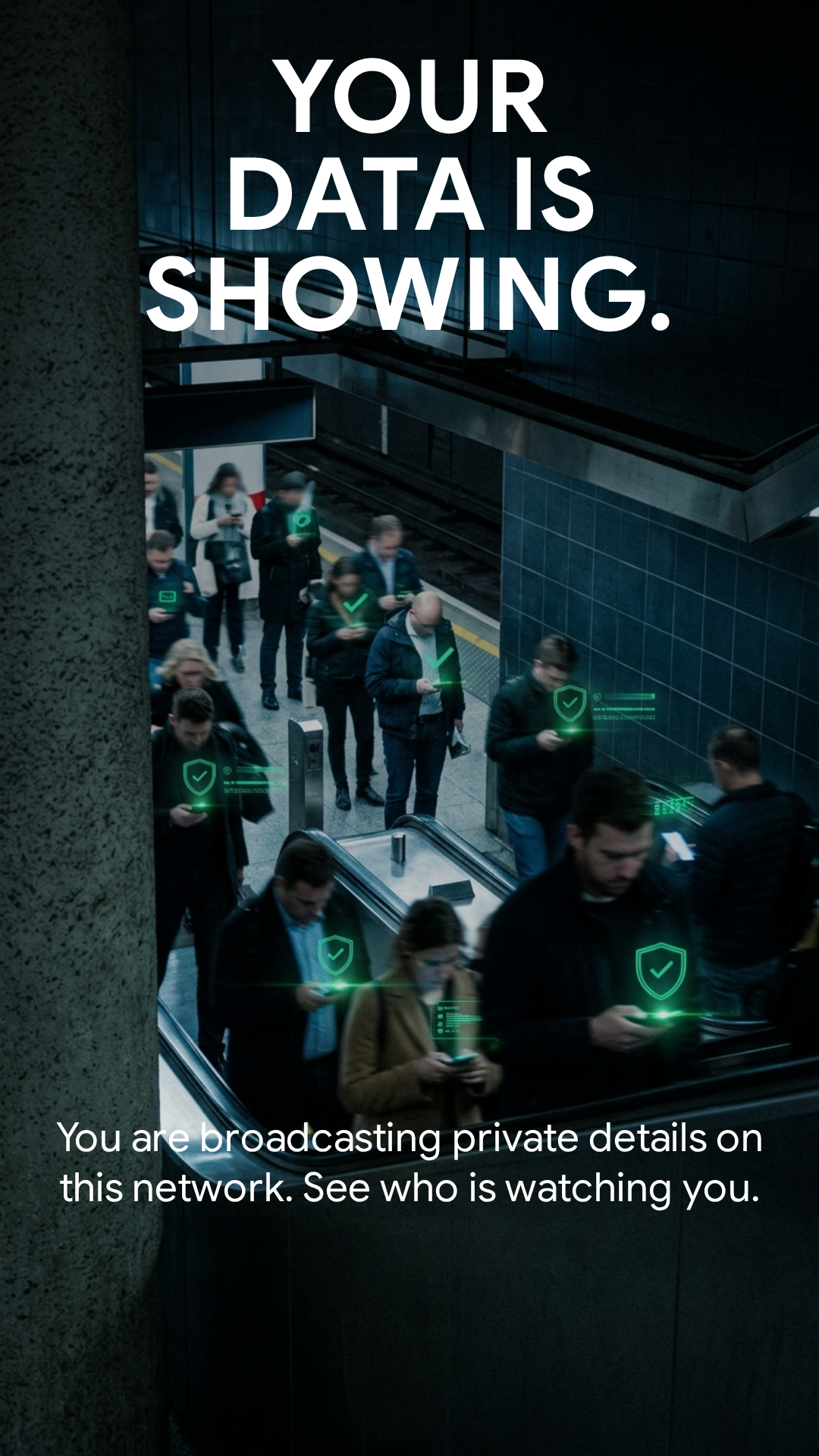
⚠️ Warning: Your private details could be visible to others on this network.
Without an encrypted tunnel, your passwords, banking details, and private chats are "Open Books." Here is how you can stay safe:
1. Disable Automatic Connections
Prevent your device from joining unknown networks automatically. This stops you from accidentally connecting to a "Honey Pot" set up by attackers.
2. Turn Off File Sharing & AirDrop
On a public network, file sharing is a massive vulnerability. Ensure it's off to prevent strangers from browsing your device's folders.
3. Use Two-Factor Authentication (2FA)
Add an extra layer of defense. Even if a hacker sniffs your password on a public network, they won't be able to access your accounts without the 2FA code.
4. Use a Trusted VPN (The Ultimate Shield)
A VPN like Truman Dash encrypts your entire internet connection. It turns your data into unreadable gibberish for anyone trying to watch your activity.
Why Truman Dash is the #1 Choice for Travelers
We designed Truman Dash to be the fastest, most invisible protection for people on the move:
- Military-Grade Encryption: Same standards used by security professionals.
- No Registration: No email, no logs, no footprint. Just one tap to be safe.
- Global Nodes: Need to stay fast while abroad? Check our High-Speed US & Brazil Nodes.
Don't be an open book.
Protect your Android device with Truman Dash VPN for free today.
Download Free on Google Play
✓ Safe & Verified by Play Protect